Trafsoft Methodology for Adding Signs within RSD (Road Signs Design Software to the RSC (Road Sign Capture) Console Data Base
RSC (Road Signs Capture) With this new function within RSD, The Software Suite that puts all your sign data, pictures, documents in one place
Acronyms used:
RSD – Road Signs Design (Detail Design Software)
RSC – Road Sign Capture (Web Based Road Sign Database)
Console – Web Based Database
Step one:
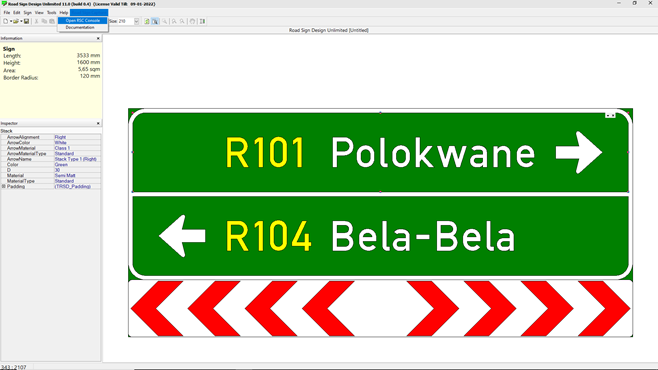
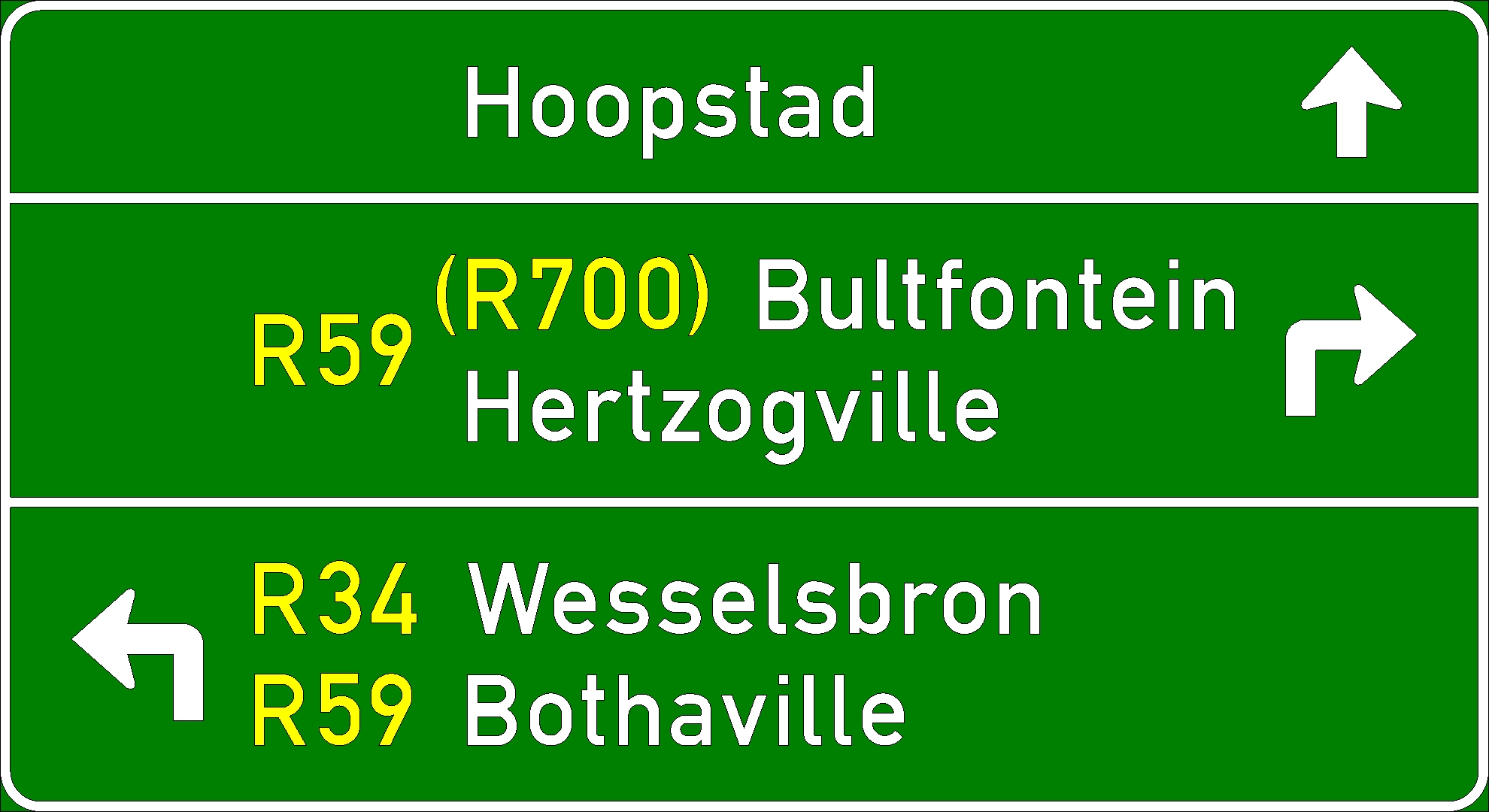
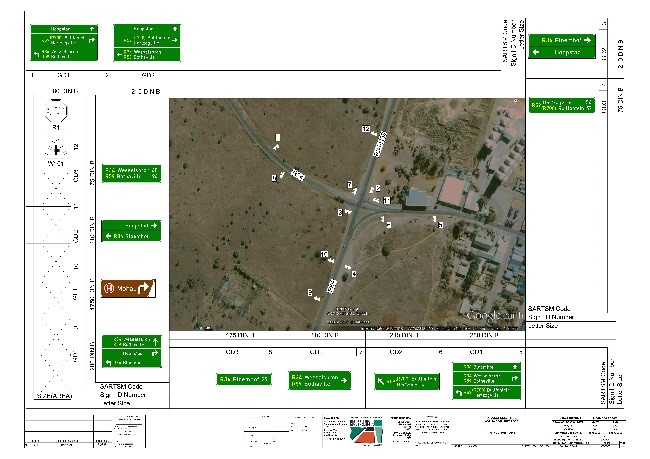
Signs are designed as usual in RSD
After saving your detail design to your directory, the user is prompted to save and add a position to the RSC Console.
You are given the option to turn this function off. The system will remind you of this function on each restart of RSD.
Step two:
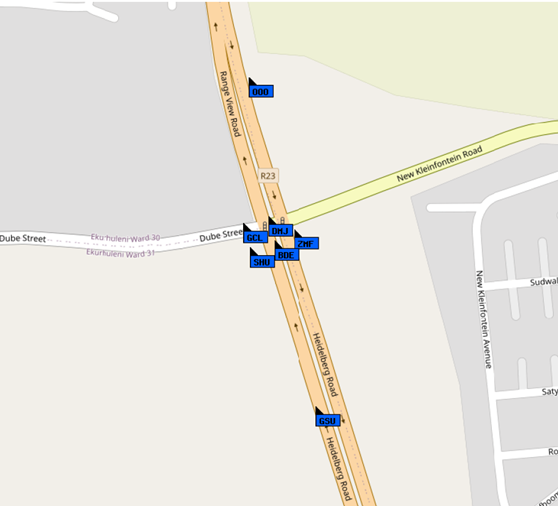
The RSC Module opens from where the signs are positioned within the console as a group in a random position.
The user will be prompted to correct the position after each save, as well as any attribute associated with the design. The user has the option to disable this function and or only perform the repositioning after RSD is closed.
Step three: (RSC Console)
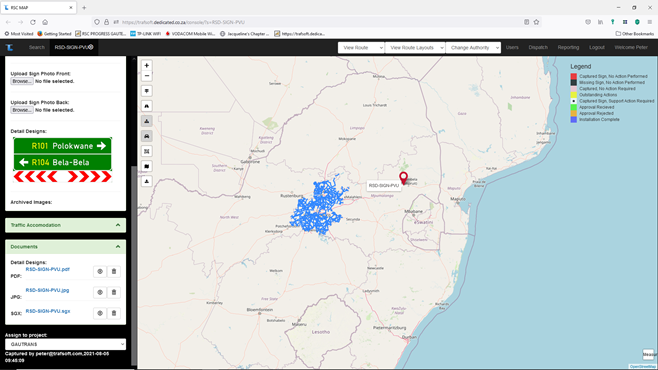
The detail design with associated saved file name (sgx, Pdf, and Jpg) are autosaved in the console database.
An automated unique sign ID is generated by the system.
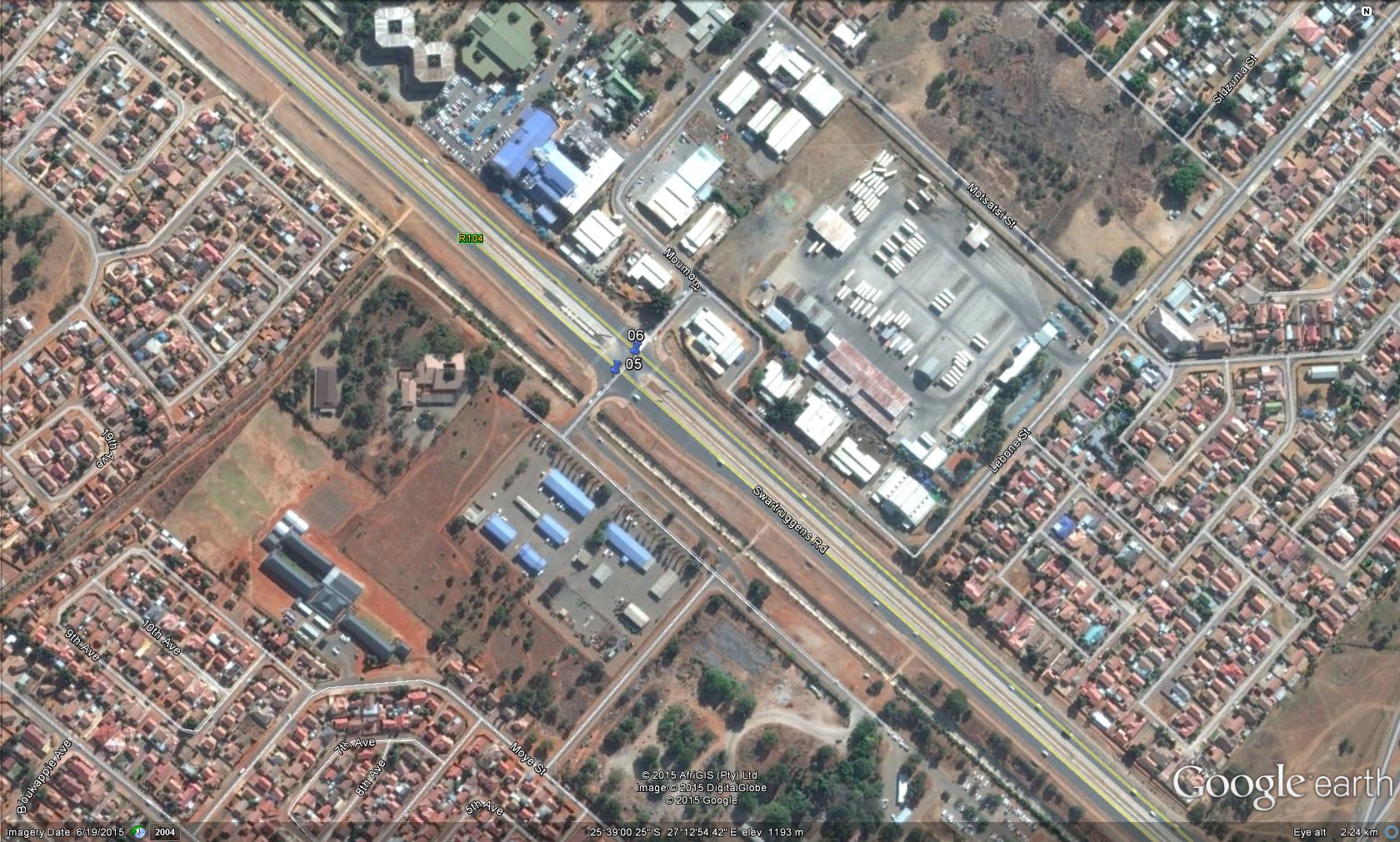
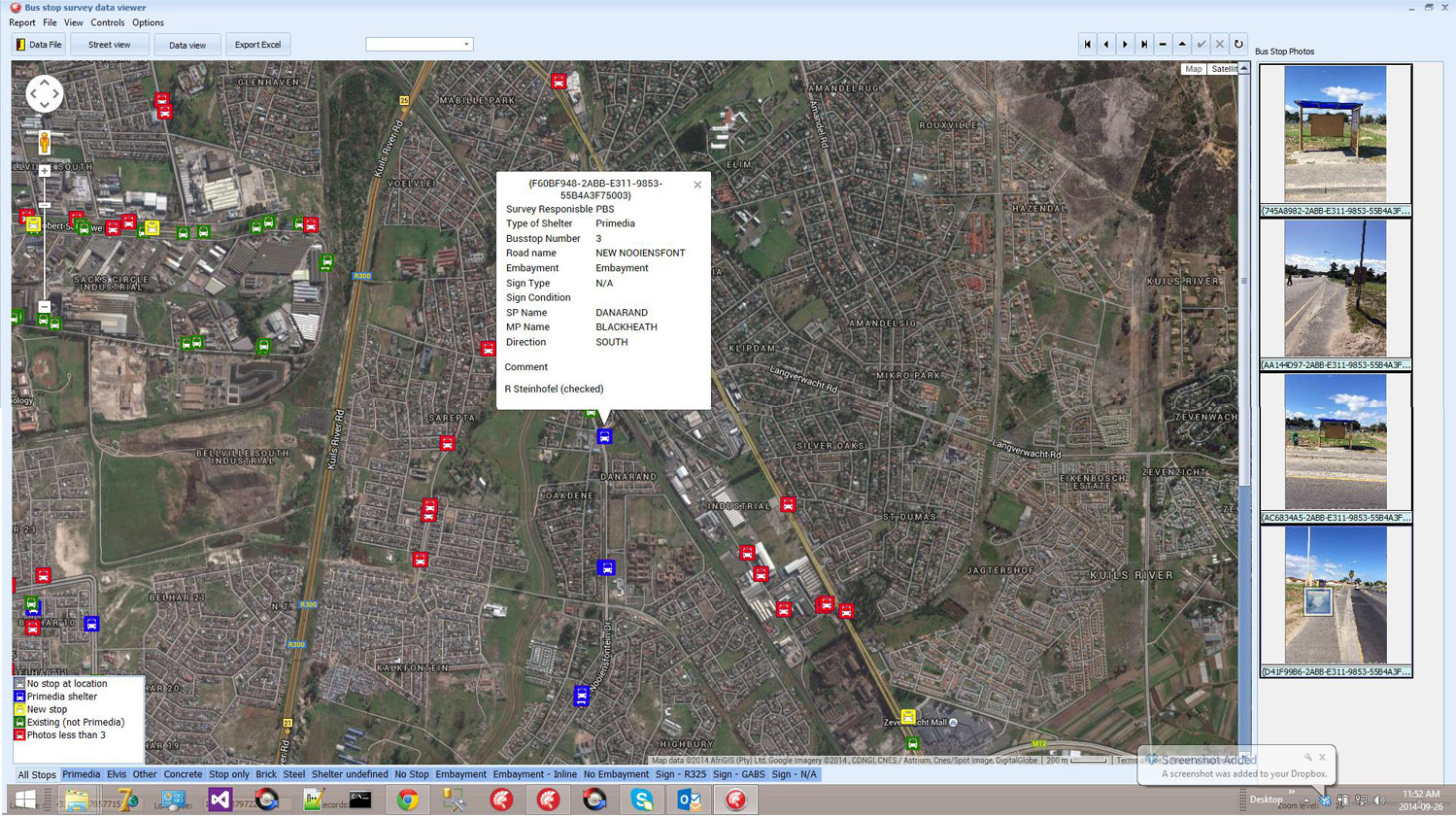
The user collectively “grabs” the signs and moves them to the correct position on the map, e.g., an entire intersection was designed, then each sign is placed in the correct position.
General:
The username and password for the RSC Console user is auto generated and mailed to the user.
The username by default is the email address registered for RSD.
The signs uploaded are linked to the user by way of registered RSD email address.
A route name and node number for the signs are auto generated using the users company name as registered for RSD. The creator or designer of the sign has editing / admin rights on their signs, the user will have the ability to share his project with his client.
A batch of signs are assigned to a project / client, in this way reports and quantities can be filtered per project / client. The project manager allows one to group multiple RSD signs against a project. Once the designs are linked it provides the following information with regards to the project. Total area for all signs in the project. Total number of supports needed for signs in the project.